Category: Trending Now

  • 15 Halloween Porch Decor Ideas Under $30 That Look Expensive

    15 Halloween Porch Decor Ideas Under $30 That Look Expensive

    Halloween is October 31, which means porch season is officially on. You don’t need a haunted-mansion budget to make your entryway the one kids photograph. Every idea below is genuinely doable for under $30 using craft-store finds, dollar-store basics, and things you might already own. The secret of “expensive-looking” Halloween decor isn’t money — it’s repetition and lighting.
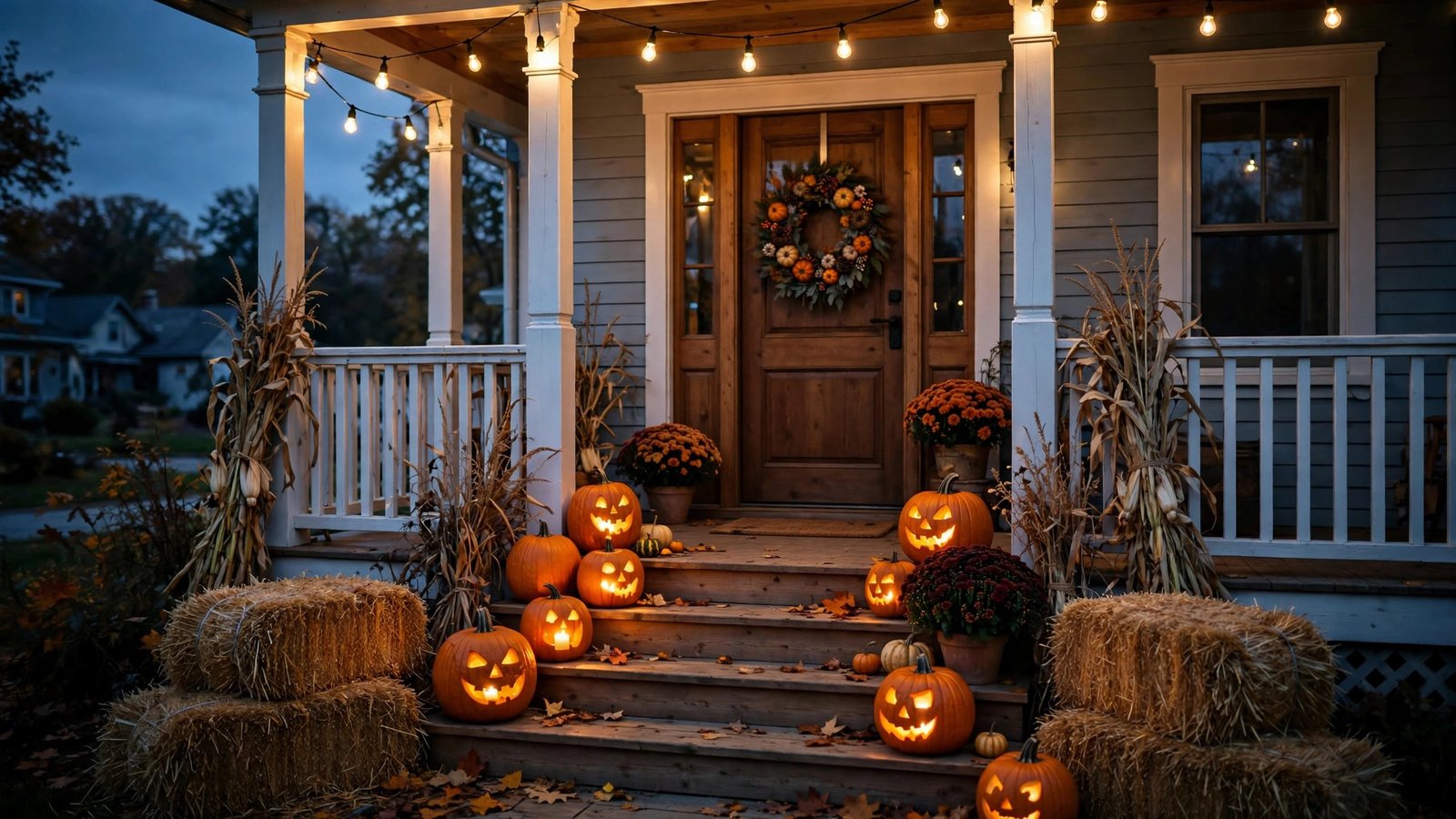
    House front porch decorated for Halloween at dusk with glowing pumpkins, string lights, hay bales, and a wreath on the door

    Lighting: the cheapest way to look expensive

    Lighting is what separates a sad doorstep from a showstopper. Almost all of it is cheap.

    1. LED tea lights in mason jars — Cluster half a dozen mason jars (you probably own some) with LED tea lights inside along your steps. The flickering glow through glass reads as lantern light. LED tea lights are typically a few dollars for a multi-pack at craft stores.

    2. String lights with black shades — Warm-white string lights are a fall staple; for Halloween, clip small black paper cups over the bulbs to dim and tint the glow. Instantly moody, and the whole project costs well under $15.

    3. Uplight your pumpkins — Point a small battery-operated LED puck light up at each carved pumpkin from behind. The glow bleeding around them looks theatrical and hides how simple the carving actually is.

    4. A single colored bulb — Swap your porch bulb for an orange or purple one. One bulb, a few dollars, and the entire porch changes character.

    Four glowing carved jack-o'-lantern pumpkins lined up on wooden porch steps at dusk

    Pumpkins: more than just carving

    5. Painted pumpkin pyramid — Fake carvable pumpkins in white, black, and orange stacked in a corner planter read as “designer” for a fraction of the cost of mums. Craft stores stock them every fall, typically under $30 for several.

    6. No-carve chalkboard pumpkins — Paint a real or foam pumpkin with chalkboard paint and let the kids draw a new spooky face every night. One bottle of chalkboard paint covers a whole pumpkin patch’s worth.

    7. Pumpkin lanterns with stencils — Skip freehand carving. Print a simple bat, moon, or witch silhouette, tape it on, and trace with a marker before cutting. Clean shapes look far more polished than wobbly freehand attempts.

    8. Mini-pumpkin garland — String small decorative gourds along porch railings with twine. Gourds are cheap in bulk at farm stands and grocery stores in October.

    Door and entry: first impressions

    9. DIY grapevine wreath — A plain grapevine wreath base from a craft store (typically under $10) becomes a Halloween wreath with black spray paint, a few plastic spiders, and a scrap of ribbon. Hang it with a wreath hanger — no nails in the door.

    10. The layered mat trick — Layer a Halloween doormat over a larger plaid or burlap outdoor rug. The layered look is the oldest designer trick in the book, and both layers together usually land under $30.

    11. Black window/door curtains — A couple of yards of cheap black fabric or cheesecloth draped around the doorframe and lightly torn at the edges creates the “haunted entry” effect. Pin it with command strips so nothing damages the frame.
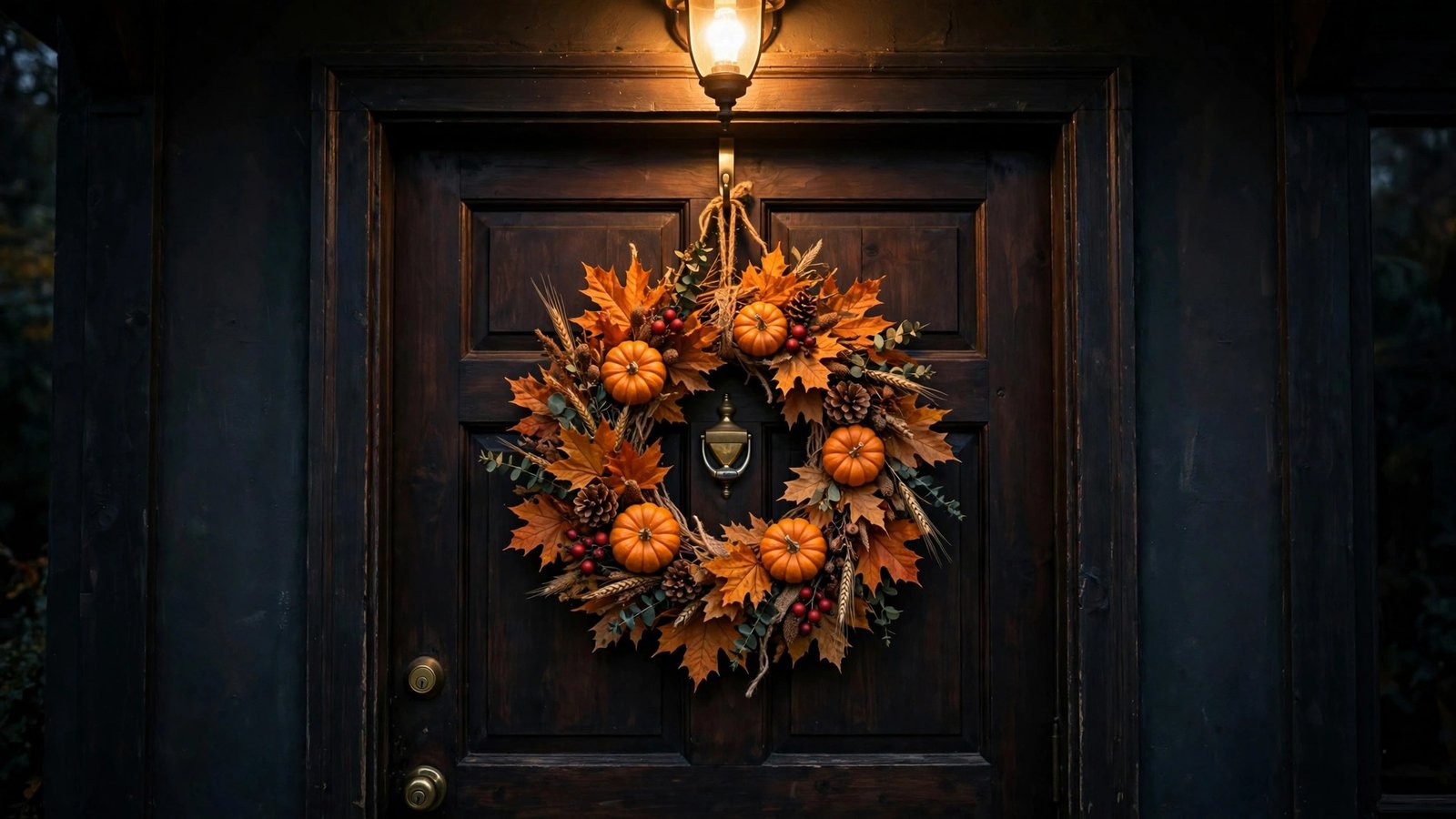
    Handmade autumn wreath with orange leaves and mini pumpkins hanging on a dark front door under a porch light

    Budget store hacks: the finishing touches

    12. Hay bales and corn stalks — One small hay bale and a bundle of dried corn stalks from a farm stand or garden center anchors your whole display. Usually well under $30 combined in October.

    13. Skeleton arm planters — Dollar-store skeleton hands emerging from a planter or pumpkin look far more expensive than they are. Stick a couple into your porch plants for an instant surprise.

    14. Oversized cardboard silhouette — Cut a giant bat, witch, or haunted-tree silhouette from cardboard or black foam board and mount it on the porch wall or a window. Foam board costs a few dollars a sheet, and the scale is what makes it dramatic.

    15. Welcome sign rewrite — Paint a plain wooden “Welcome” sign with Halloween wording instead: “Enter If You Dare,” “Witch Way,” or “The [Your Name] Haunted House.” A $5 board, leftover paint, and stencils make a custom sign that looks made-to-order.

    Safety first: candles, steps, and trick-or-treaters

    Before the big night, run through this:

    • Use LED candles, not real flames. Real candles in pumpkins look authentic but get knocked over by wind, costumes, and curious kids. LED tea lights and flameless candles give the same flicker with zero fire risk — and they’re reusable year after year.
    • Keep walkways clear. Decorations creep toward the path every year. Make sure steps, railings, and the walkway itself stay unobstructed so nobody trips in a costume.
    • Skip the fog machine on steps. Fog plus stairs plus excited kids is a bad combination. Save the fog for the yard where footing is flat.
    • Check cords. String lights should be rated for outdoor use, and extension cords should run flat against the house, not across the walkway.
    • Tidy up the pumpkins after. Carved pumpkins get mushy fast; a rotten pumpkin on the porch isn’t just gross, it’s a slip hazard for mail carriers and visitors.

    Quick checklist — your porch in one afternoon

    • Swap the porch bulb for orange or purple
    • Cluster LED tea lights in mason jars along the steps
    • Set up one pumpkin pyramid or carved trio with uplighting
    • Hang a DIY wreath on the door
    • Layer a Halloween mat over a burlap rug
    • Add one hay bale + corn stalk bundle as the anchor
    • Scatter skeleton hands or mini gourds as finishing touches
    • Double-check walkways are clear and everything is LED, not flame

    Bottom line

    The porches that look expensive on October 31st aren’t the ones with the most money spent — they’re the ones with a plan. Warm lighting and repeated shapes (three pumpkins beat one) turn dollar-store supplies into a display your street remembers. Pick five of these ideas, spend an afternoon and under $100 total, and your porch will be the one kids stop in front of. Just use the LED candles. Your local fire department thanks you.
  • 7 Kitchen Upgrades Designers Love for 2026 (No Full Renovation Needed)

    7 Kitchen Upgrades Designers Love for 2026 (No Full Renovation Needed)

    The 2026 kitchen doesn’t look like a showroom anymore — it looks like somewhere people actually live. Designers are trading cold, all-white minimalism for warmth, texture, and furniture that works as hard as you do. The good news? You don’t need a $40,000 renovation to join in. Here are the seven trends designers keep recommending this year, with budget-friendly DIY ways to get each look — most for under $200.

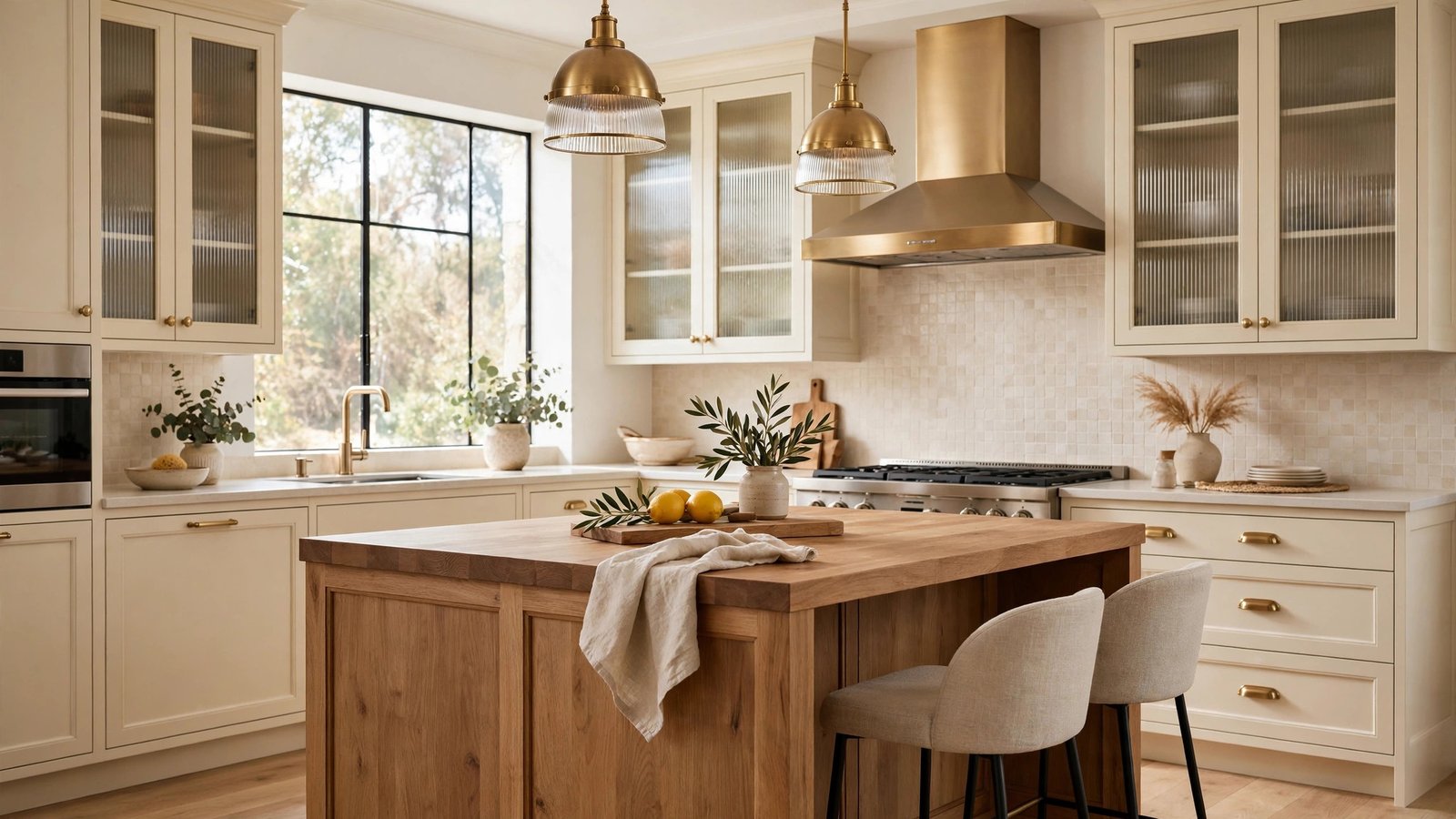
    Warm modern kitchen with cream cabinets, brass pendant lights, reeded glass doors, and a wooden island

    1. Warm cream and beige cabinets (goodbye, stark white)

    Bright white kitchens aren’t dead, but they’re losing ground fast. The 2026 move is toward creams, beiges, and warm off-whites — tones that make a kitchen feel like the heart of the home instead of a laboratory. Designers are pairing creamy cabinetry with wood accents and warm brass for a look that feels timeless rather than trendy.

    Get the look for under $200: Cabinet paint in a warm cream (think buttery ivory or warm greige) transforms an entire kitchen in a weekend. You’ll need a good degreaser, primer, and two coats of durable cabinet paint. Sand lightly between coats and use a foam roller for a smooth, brush-free finish.

    2. Reeded and fluted glass — texture everywhere

    This might be the most distinctive 2026 trend. Designers are swapping flat cabinet doors for reeded (vertically ribbed) glass inserts, fluted wood panels, and textured backsplashes. The vertical lines catch light and cast soft shadows, adding depth without any extra color. It shows up on islands, hutches, and backsplashes alike.

    Get the look for under $200: You can’t re-carve your cabinets, but you can swap the glass in a couple of existing cabinet doors for reeded glass — glaziers cut it to size, and installation is a simple DIY job. Another shortcut: adhesive fluted wallpaper or textured peel-and-stick panels on an island front or a small backsplash section.

    3. Workstation islands that do everything

    The 2026 island isn’t just a slab for serving snacks. Designers are building multi-functional hubs: prep zone on one side, breakfast bar on the other, with integrated USB-C ports, wireless charging pads, dual-level surfaces, and smart drawer dividers inside. One surface handles cooking, eating, homework, and laptop work.

    Get the look for under $200: Add a butcher-block overhang to one end of your existing island or table for a raised eating/work ledge, and install a pop-up power outlet or a couple of USB-C grommets in the counter. A set of drawer organizers and a pull-out recycling bin inside the cabinets completes the workstation feel.

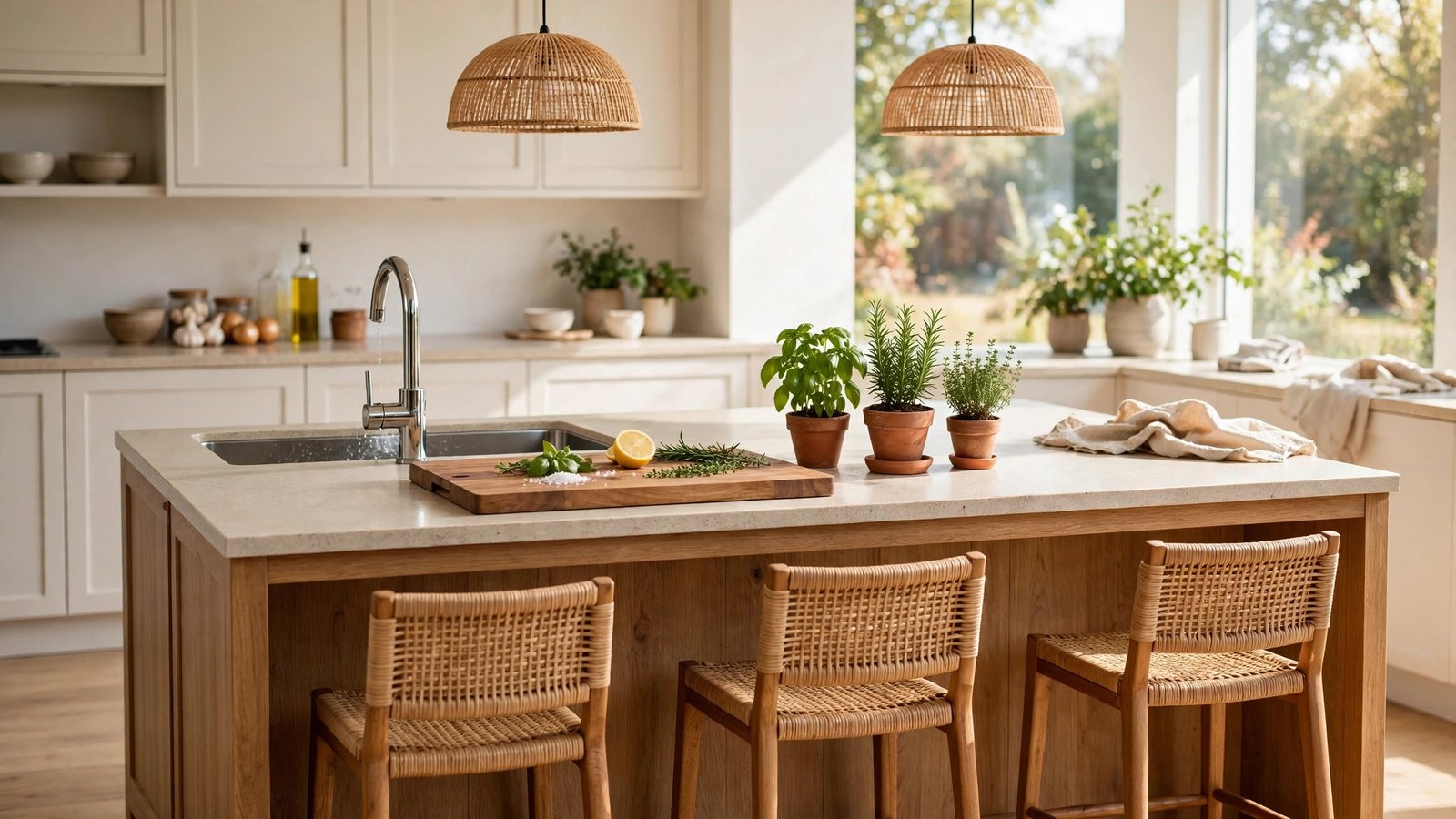
    Bright kitchen island workstation with built-in sink, fresh herbs, and wood bar stools

    4. Layered, zoned lighting

    Overhead-only lighting is officially out. The 2026 approach layers three kinds of light: ambient (pendants or a statement fixture over the island), task (under-cabinet strips so you can actually see what you’re chopping), and accent (LED strips inside glass cabinets or along toe kicks). Designers say proper lighting is the single highest-impact upgrade for how expensive a kitchen looks.

    Get the look for under $200: Battery-powered or plug-in LED under-cabinet strips are the biggest bang for your buck — install them in an afternoon. Swap a basic flush-mount fixture for a statement pendant over the island; lighting showrooms and online shops have great options well under $100.

    5. Warm brass and mixed metals

    Chrome and brushed nickel had a long run, but 2026 belongs to warm brass, unlacquered brass, and mixed-metal combinations. Designers are deliberately mixing finishes — brass pulls with a black faucet, or copper accents against charcoal cabinetry. The key is balance: warm metals add richness without looking matchy-matchy.

    Get the look for under $200: New cabinet hardware is the classic weekend project. Measure your existing hole spacing first (3-inch or 3¾-inch pulls are the most common), then swap pulls and knobs in a warm brass or aged-bronze finish.

    6. Charcoal and wood combinations

    For anyone who finds cream too soft, there’s the moody option: designers are mixing charcoal or deep gray cabinetry with medium-tone wood — a walnut island against charcoal perimeter cabinets, for example. The contrast reads as rich and custom, especially with warm brass hardware tying it together.

    Get the look for under $200: Paint just the island or a single run of lower cabinets in a deep charcoal, and let wood cutting boards or wood bar stools carry the wood side of the equation.

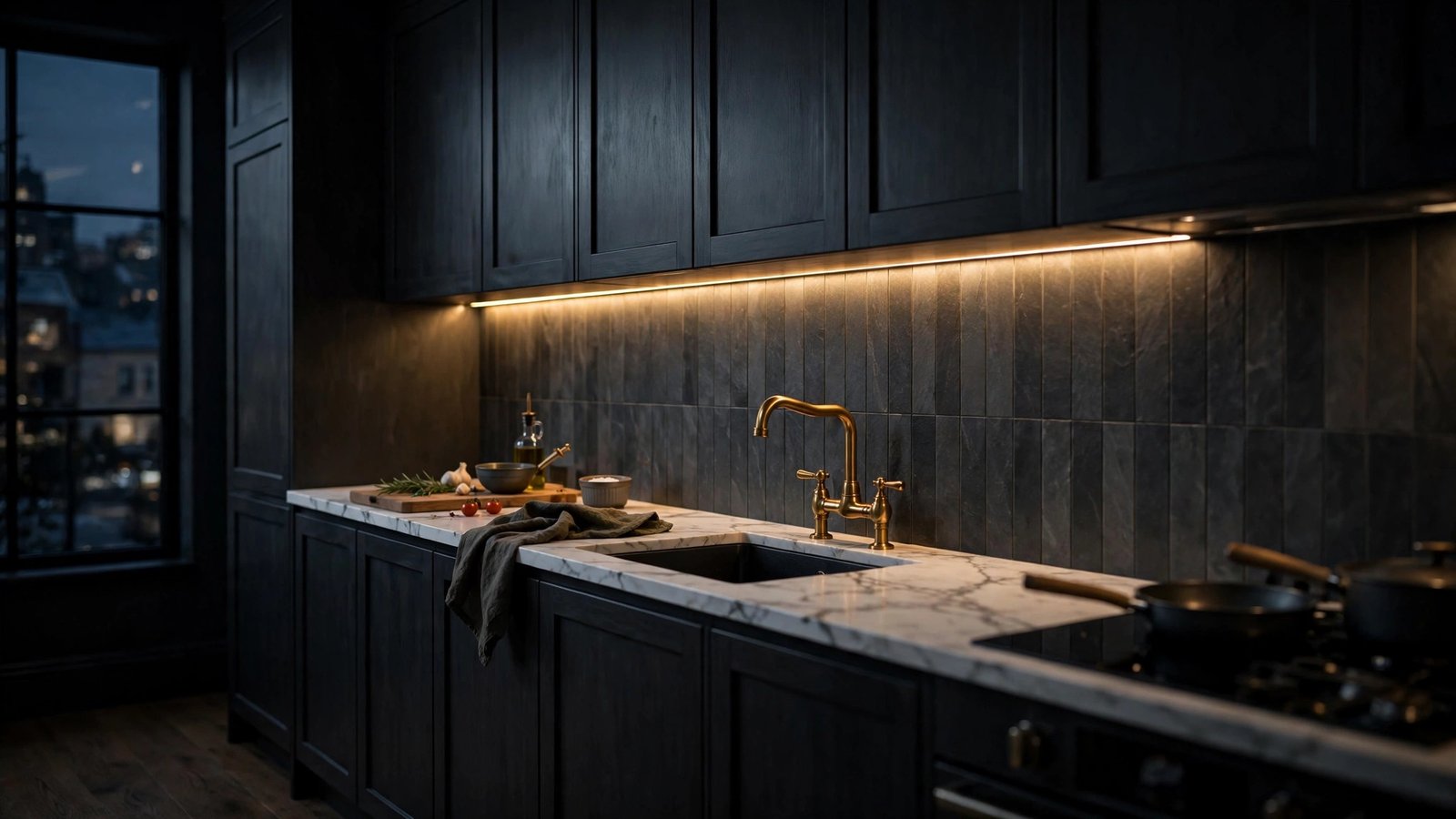
    Moody charcoal kitchen cabinets with brass faucet and warm under-cabinet lighting

    7. Earthy greens (sage, olive, hunter)

    Green is the trend that refuses to leave. Sage, olive, and hunter green keep showing up — on islands, in subway tile, even on full cabinet runs. They pair beautifully with warm brass and cream tones.

    Get the look for under $200: An island painted in sage green is one of the most photographed updates of the year, and it costs about a quart of paint. For zero-commitment color, try hunter-green ceramic planters, olive-toned textiles, or a sage-painted vintage hutch styled as a coffee station.

    Quick wins under $100 — checklist

    Want the 2026 look by the weekend? Start here:

    • $15–$30: Swap two or three cabinet knobs or pulls for warm brass
    • $20–$40: Add plug-in LED strip lights under your main cabinets
    • $25–$50: Paint your island in sage green or charcoal
    • $30–$60: Hang one statement pendant over the island
    • $20–$40: Add textured adhesive panels to one accent area
    • $15–$35: Install drawer organizers and a pull-out bin for the workstation feel
    • Free: Restyle open shelving with warm wood boards, greenery, and brass accents

    Bottom line

    The 2026 kitchen is warm, textured, and personal — cream instead of clinical white, ribbed glass instead of flat doors, islands that charge your phone, and lighting that flatters the room. The design world’s favorite upgrades this year share one thing in common: they respond to how people actually live. Pick one or two of these, spend a weekend and a couple hundred dollars, and your kitchen will look like it got a professional’s touch.

  • Apple’s $299 HomeView Smart Hub Is Here: What It Does and Whether Your Home Needs One

    Apple’s $299 HomeView Smart Hub Is Here: What It Does and Whether Your Home Needs One

    Apple just made its biggest smart-home move in years — and it didn’t even hold an event to do it. On October 13, 2026, Apple refreshed its home lineup with three products, headlined by HomeView, its first-ever smart display. At $299, it goes straight at the Amazon Echo Show and Google Nest Hub, the two devices that have owned this category while Apple sat on the sidelines.

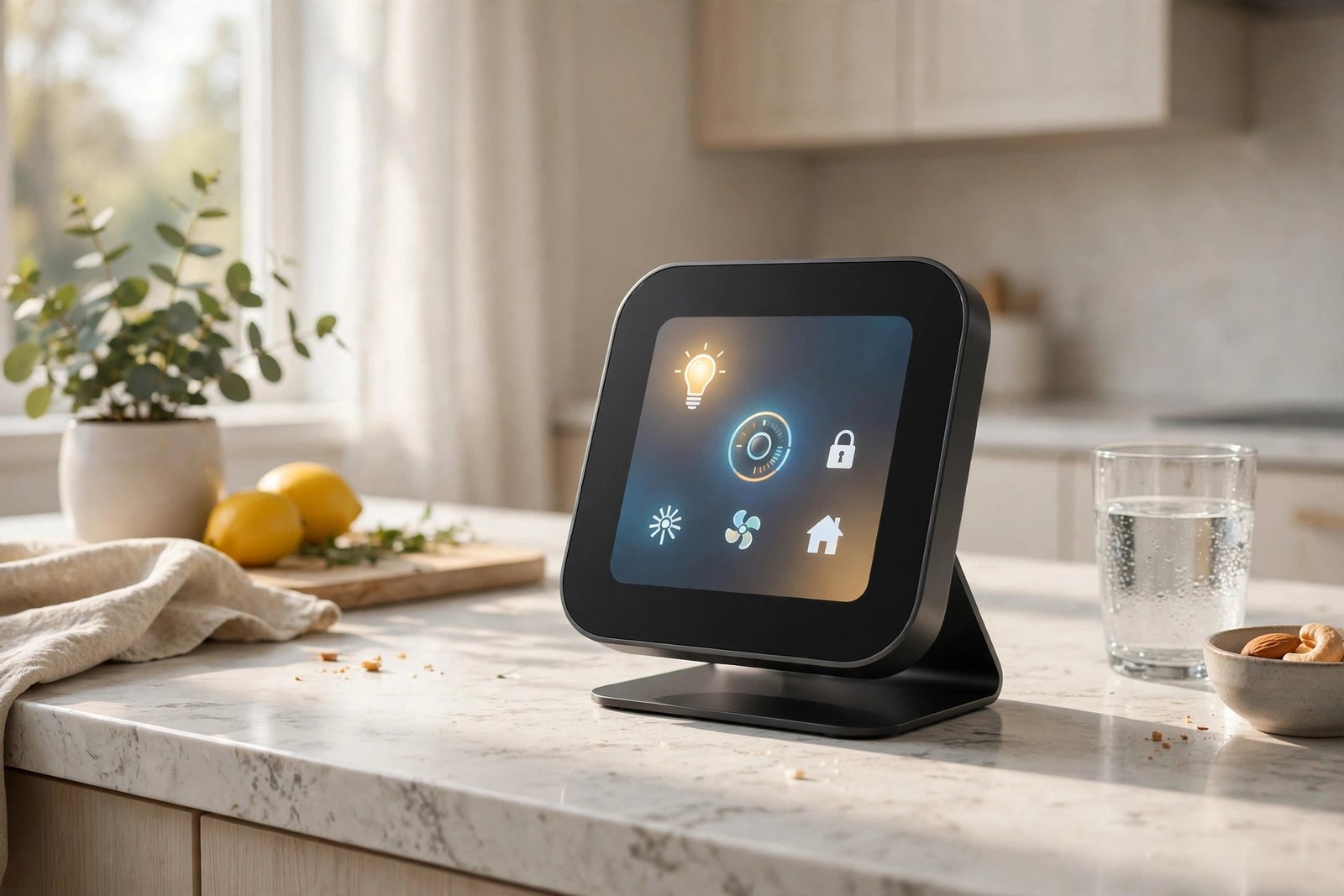
    Smart home hub display with home control icons on a kitchen counter

    What Apple announced

    Three products, all available to order now:

    • HomeView — the all-new smart home hub, $299. A square 6-inch display offered in tabletop and wall-mounted versions. It’s Apple’s first device built from the ground up as a home command center.
    • HomePod mini 2 — $149, with a faster chip, improved sound, Wi-Fi 7, and new color options.
    • Apple TV 4K (4th generation) — $299 for the 128GB model, powered by the A19 chip with more memory (12GB, up from 8GB), far-field microphones for hands-free Siri, Wi-Fi 7, and an updated $59 Siri Remote that also works with older models.

    All three support Siri AI, Apple’s rebuilt voice assistant for the generative-AI era — more conversational, more context-aware, and able to answer general questions rather than just run timers. Nice bonus: if you already own an Apple TV 4K from 2021 or later, Siri AI arrives as a free software update, no new hardware required.

    HomeView: the details that matter

    HomeView is designed to live where your household actually gathers — Apple is pitching it hard as a kitchen information hub. It controls your smart home devices, handles video calls and intercom-style messages, plays music and podcasts, shows photo slideshows, and in the kitchen it brings up guided recipes and hands-free timers by voice. A front-facing camera enables FaceTime calls from the counter.

    The personalization angle is the interesting part: HomeView offers apps, widgets, and personalized content for up to six people in the household, so the screen can adapt to who’s using it. It also runs third-party apps from your iPhone or iPad — though note it needs a paired iPhone or iPad for some of its AI features, and it has no App Store of its own.

    Apple is leaning on privacy as a differentiator, touting a set of on-device privacy protections for a device with a camera that lives in your kitchen — a direct contrast with how Amazon and Google handle voice and camera data. And in a detail only Apple would brag about, HomeView can dim to the company’s lowest-ever display brightness, so it won’t light up your bedroom at night.

    One big caveat: HomeView won’t be sold in the European Union at launch. Apple says Siri AI isn’t currently available in the EU, and it’s working with regulators on a path forward — but there’s no date.

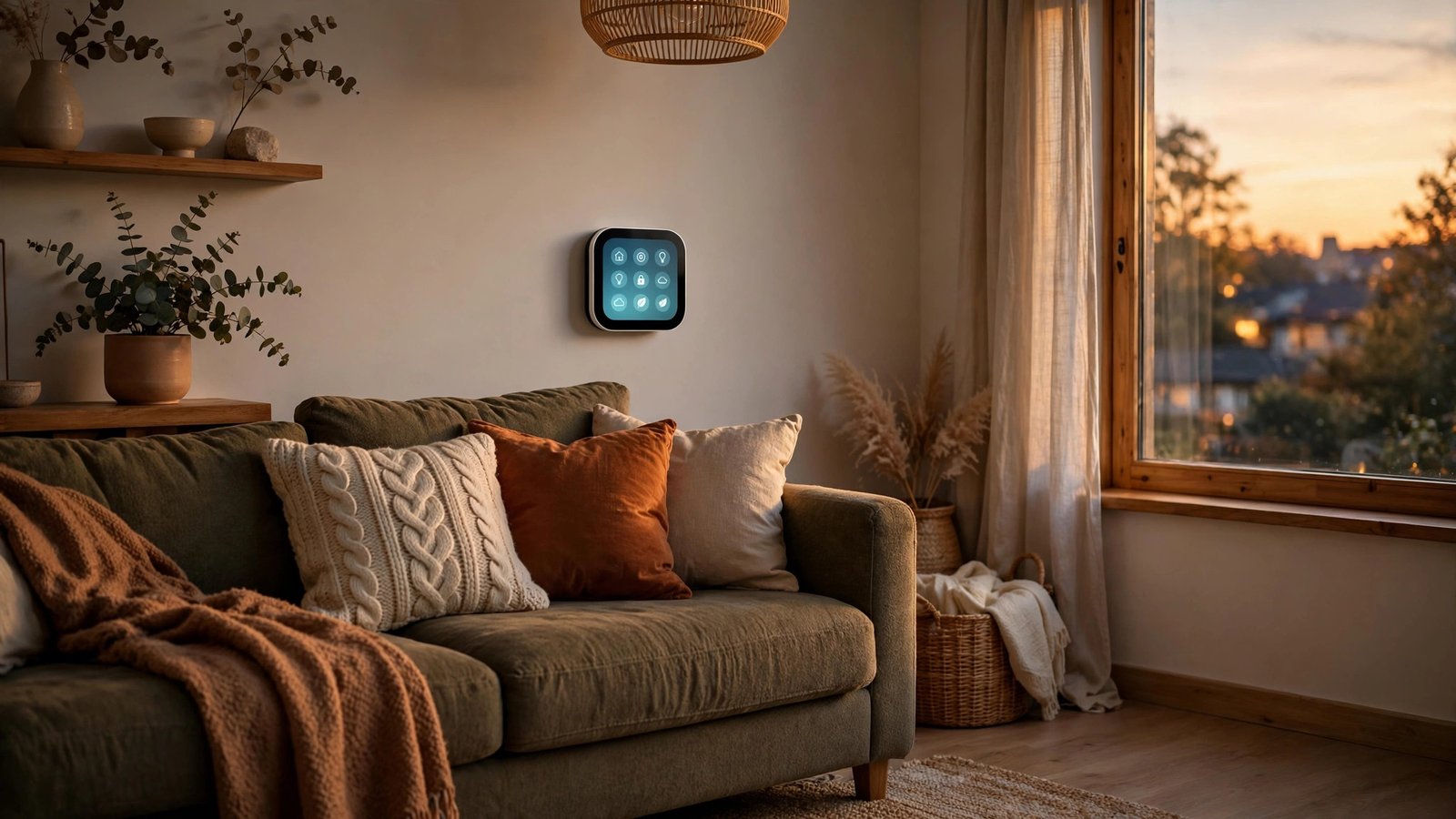
    Wall-mounted smart home display showing control icons above a sofa in a warm living room

    Should you buy it? (who it’s for / who should skip)

    It’s for you if:

    • You’re deep in the Apple ecosystem — iPhone, Apple Watch, HomeKit gear. This is the shared screen Apple households have wanted for years.
    • You want one family hub for the kitchen or entryway with genuinely personal profiles for everyone, not a single-user device everyone fights over.
    • You care about the privacy story. On-device processing for a kitchen camera is a stronger pitch than what Amazon and Google currently offer.

    Skip it (for now) if:

    • You’re in the EU. It’s simply not on sale there at launch, with no confirmed date.
    • You’re mostly Android, Alexa, or Google-based. The full experience needs an iPhone or iPad, and Siri AI’s best features lean on Apple’s ecosystem.
    • You’re price-sensitive. At $299, it’s roughly double what current Echo Show and Nest Hub models often sell for after their frequent discounts.
    • You prefer proven over new. Siri AI is brand new, and a first-generation product in a new category deserves real-world reviews before your money. Waiting a month or two costs you nothing.
    Round fabric smart speaker on a wooden side table next to a potted plant

    What this means for non-Apple smart homes

    Even if you never buy an Apple product, this launch is good news for you. A $299 premium display with a real privacy pitch and a genuinely conversational assistant is competitive pressure Amazon and Google have been missing in this category. Expect faster refreshes, smarter assistants, and sharper pricing across all three ecosystems — competition is the feature everyone gets for free.

    Bottom line

    HomeView is Apple’s most interesting new category in years: a $299 kitchen-counter hub that knows your household, runs the new Siri AI, and anchors your smart home. If you’re an Apple household outside the EU, it’s a genuinely compelling buy. If you’re in the EU, on a budget, or invested in Alexa or Google, the smart move is to watch the reviews roll in. Either way, your next smart display — whatever brand it is — just got better because this one exists.

  • Why Is My Electric Bill So High? 12 Energy Vampires Hiding in Your Home

    Why Is My Electric Bill So High? 12 Energy Vampires Hiding in Your Home

    You open the bill, the number makes no sense, and you swear you barely used anything. You are not imagining it. Energy experts estimate that standby power — devices drawing electricity while “off” — can account for 5–10% of a typical home’s energy use, and a handful of hungry appliances do most of the damage. Here are the 12 usual suspects.

    The standby gang (always sipping)

    1. TV + game console together can draw power 24/7 for updates and instant-on modes. Fix: one smart power strip, switched off at night.

    2. Cable and satellite boxes are notorious — many use nearly as much power off as on. Fix: a timer plug that cuts them overnight.

    3. Phone and laptop chargers left plugged in draw a trickle forever. Small each, but a house has a dozen. Fix: one charging station on a switch.

    4. The desktop computer and monitor idling all weekend. Fix: real sleep settings — and shut down on Friday.

    5. The microwave clock. Yes, the clock. It is tiny, but it never sleeps. It is the symbol of the whole problem.

    The big silent eaters

    6. A second, old fridge in the garage. Old fridges can cost several times more to run than a modern one. If it holds six drinks, it is an expensive habit.

    7. Your water heater set too hot. Most homes are comfortable at about 120°F (49°C); every extra degree is money boiled away.

    8. The tumble dryer habit. One load a week line-dried or rack-dried is real money over a year — and clothes last longer.

    9. Space heaters. The most expensive way to warm a room ever invented. Heat the person (heated blanket, layers) or fix the draft instead.

    Habits that quietly cost you

    10. Lights in empty rooms — still the classic. LEDs make each one cheaper, not free.

    11. The pool or hot-tub pump running longer than it needs. A timer matched to actual filtration needs can cut its cost sharply.

    12. “Just one more” laundry and dishwasher half-loads. Full loads, eco mode, cold water where possible.

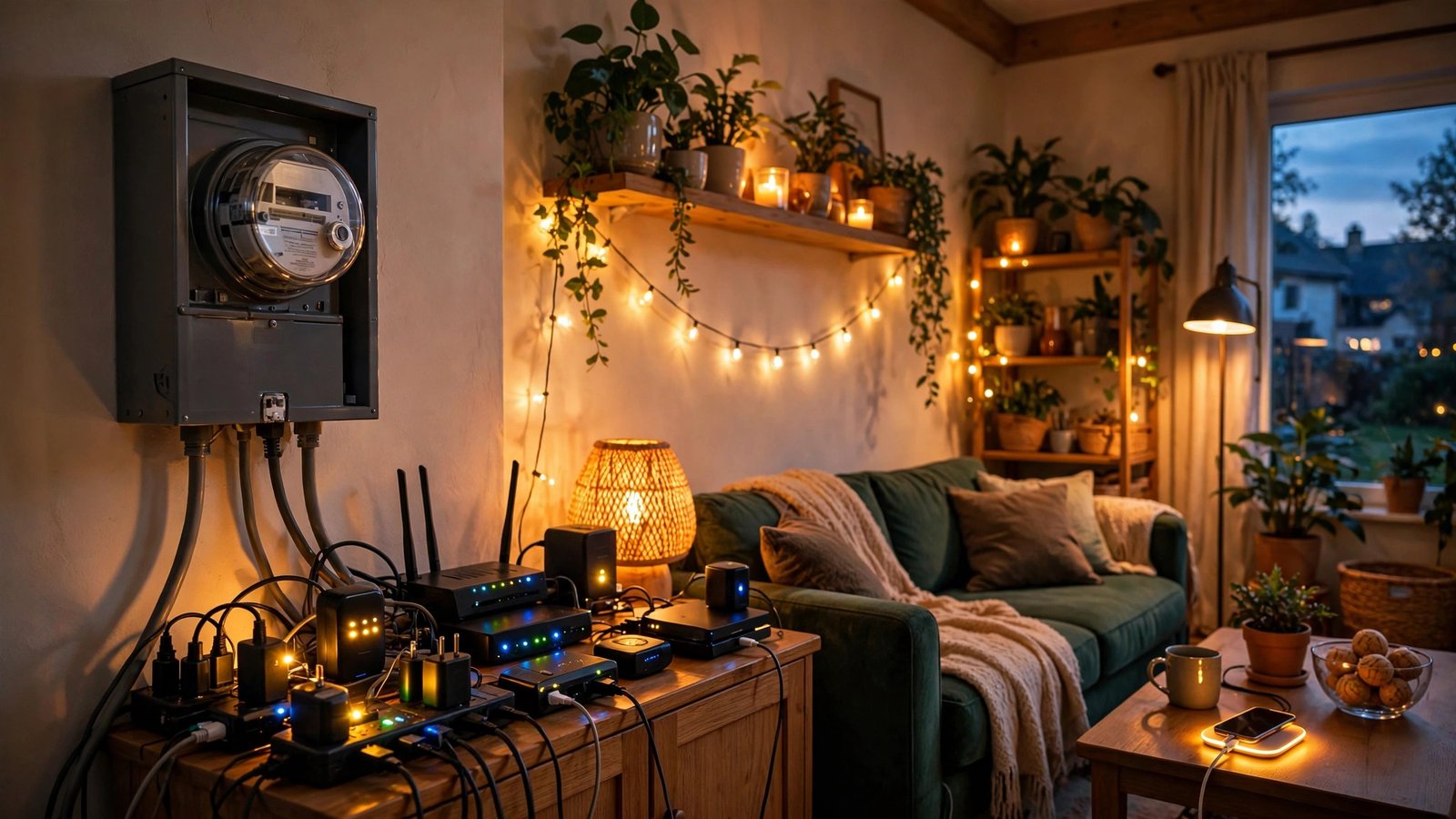
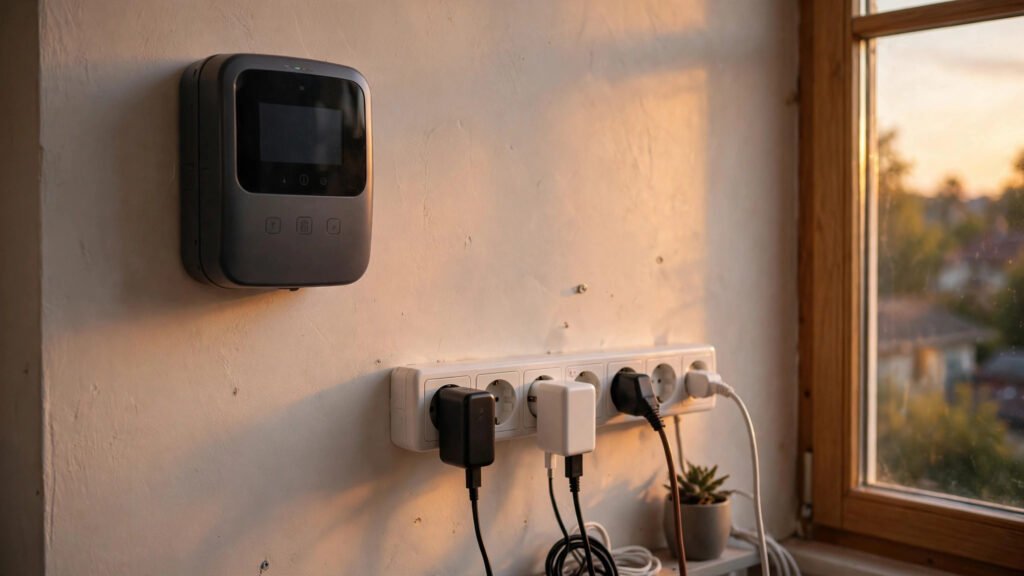
    Smart electricity meter and power strip with plugs in a home

    Your 15-minute vampire hunt

    Walk the house at night with the lights off. Every glowing LED is a device drinking power. Make a list, put the worst five on smart plugs or strips with switches, lower the water heater, and check the garage fridge honestly. Most homes find enough waste in one walk to feel it on the very next bill.

  • 10 Smart Home Gadgets That Actually Save You Money (Not Just Cool Toys)

    10 Smart Home Gadgets That Actually Save You Money (Not Just Cool Toys)

    Most smart home gadgets are fun. A few are actually financial decisions in disguise — they quietly cut your energy bill, catch expensive problems early, or stop money leaking out of your home. Here are the ten we think earn their place, and why.

    1. Smart thermostat

    Heating and cooling is usually the biggest energy cost in a home. A smart thermostat learns your routine, turns things down when you are out or asleep, and can typically save around 8–10% on heating and cooling costs. For most homes it pays for itself within a year or two.

    2. Smart plugs with energy monitoring

    These show you exactly what an appliance costs to run — and cut power completely when it is not needed. Put them on TVs, game consoles and office gear first; that is where standby waste hides.

    3. Water leak sensors

    A burst pipe or slow leak can cost thousands in repairs. Leak sensors cost very little, sit under sinks and behind washing machines, and send an alert to your phone at the first sign of water. Cheap insurance, huge payoff.

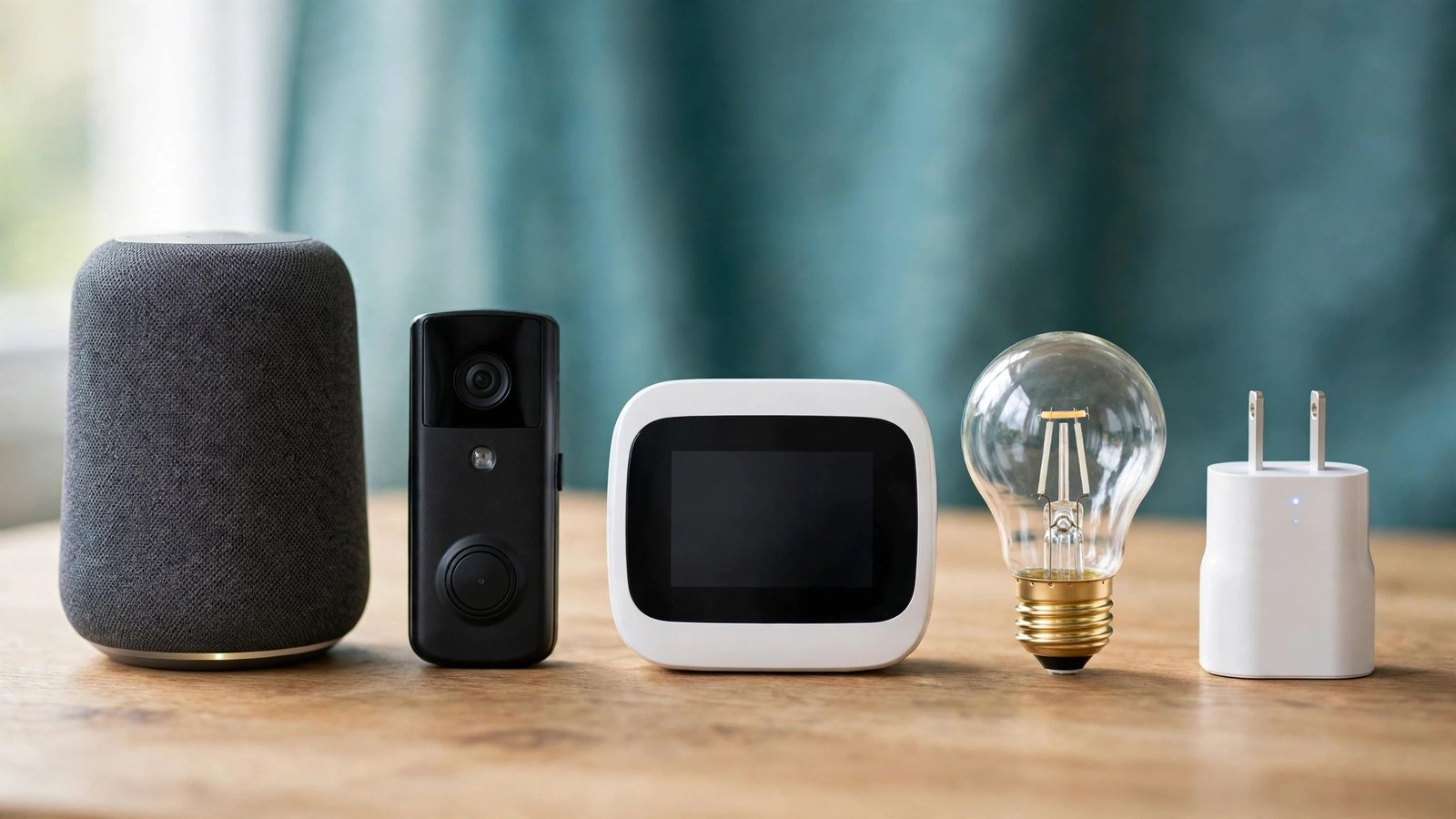
    4. LED smart bulbs

    LEDs use a fraction of the power of old bulbs, and smart versions add schedules and dimming so lights are never blazing in empty rooms. Start with the five most-used rooms.

    5. Smart power strips

    One switch kills the whole entertainment center or desk setup — no more standby drain from six devices at once.

    6. Video doorbell

    Missed deliveries and porch theft cost real money. A video doorbell lets you talk to couriers, keep packages safe, and some home insurers even reward having one.

    7. Smart locks

    No more emergency locksmith bills when someone is locked out — and no more paying to re-key the house when a key goes missing. Temporary codes for guests and cleaners are a bonus.

    8. Robot vacuum (mid-range)

    Not an obvious money-saver, but regular vacuuming extends carpet life and keeps hard floors from getting scratched up by grit. Run it on a schedule and your floors quietly last longer.

    9. Smart blinds and curtains

    In summer they close against the afternoon sun so your AC works less; in winter they trap warmth. The biggest gains are on large south- and west-facing windows.

    10. Whole-home energy monitor

    This is the gadget that makes all the others smarter. It shows your home’s total electricity use in real time, so you can see exactly which habit or appliance is driving your bill.

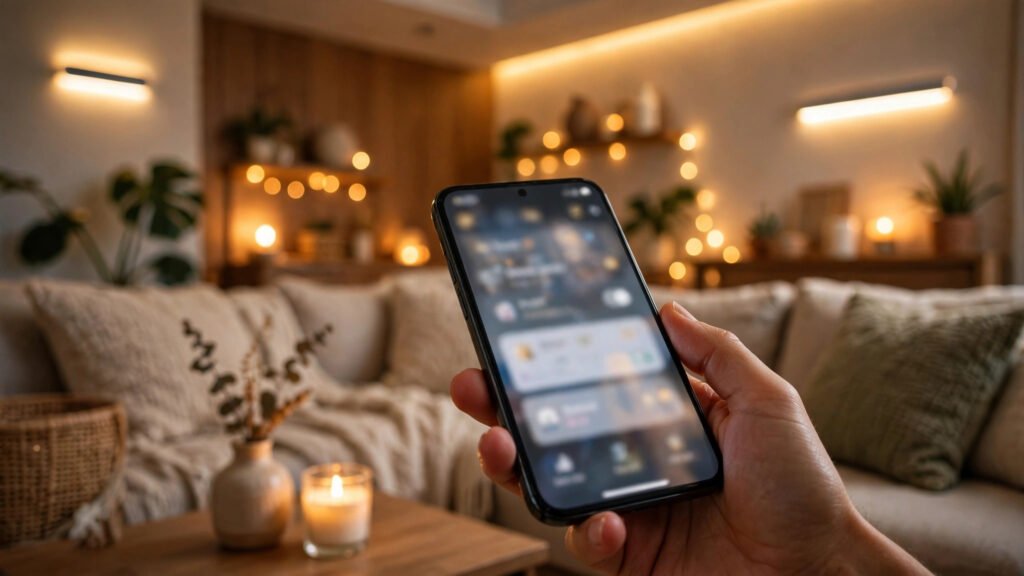
    Controlling smart home lights and devices from a smartphone app

    The bottom line

    Buy for the problem, not the novelty. Start with the thermostat, leak sensors and smart plugs — the three fastest paybacks — and let the savings fund the fun stuff later.