Apple just made its biggest smart-home move in years — and it didn’t even hold an event to do it. On October 13, 2026, Apple refreshed its home lineup with three products, headlined by HomeView, its first-ever smart display. At $299, it goes straight at the Amazon Echo Show and Google Nest Hub, the two devices that have owned this category while Apple sat on the sidelines.
What Apple announced
Three products, all available to order now:
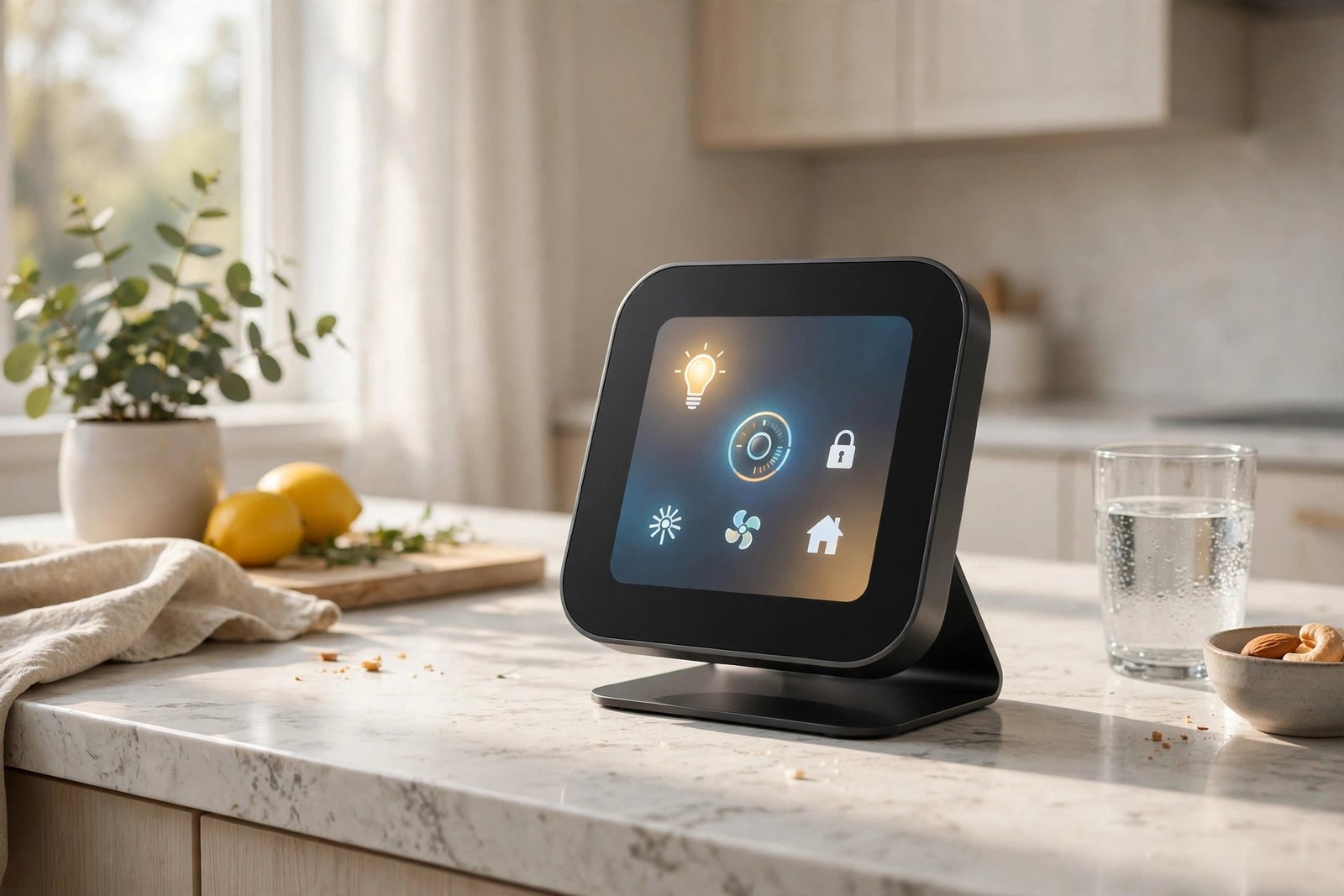
- HomeView — the all-new smart home hub, $299. A square 6-inch display offered in tabletop and wall-mounted versions. It’s Apple’s first device built from the ground up as a home command center.
- HomePod mini 2 — $149, with a faster chip, improved sound, Wi-Fi 7, and new color options.
- Apple TV 4K (4th generation) — $299 for the 128GB model, powered by the A19 chip with more memory (12GB, up from 8GB), far-field microphones for hands-free Siri, Wi-Fi 7, and an updated $59 Siri Remote that also works with older models.
All three support Siri AI, Apple’s rebuilt voice assistant for the generative-AI era — more conversational, more context-aware, and able to answer general questions rather than just run timers. Nice bonus: if you already own an Apple TV 4K from 2021 or later, Siri AI arrives as a free software update, no new hardware required.
HomeView: the details that matter
HomeView is designed to live where your household actually gathers — Apple is pitching it hard as a kitchen information hub. It controls your smart home devices, handles video calls and intercom-style messages, plays music and podcasts, shows photo slideshows, and in the kitchen it brings up guided recipes and hands-free timers by voice. A front-facing camera enables FaceTime calls from the counter.
The personalization angle is the interesting part: HomeView offers apps, widgets, and personalized content for up to six people in the household, so the screen can adapt to who’s using it. It also runs third-party apps from your iPhone or iPad — though note it needs a paired iPhone or iPad for some of its AI features, and it has no App Store of its own.
Apple is leaning on privacy as a differentiator, touting a set of on-device privacy protections for a device with a camera that lives in your kitchen — a direct contrast with how Amazon and Google handle voice and camera data. And in a detail only Apple would brag about, HomeView can dim to the company’s lowest-ever display brightness, so it won’t light up your bedroom at night.
One big caveat: HomeView won’t be sold in the European Union at launch. Apple says Siri AI isn’t currently available in the EU, and it’s working with regulators on a path forward — but there’s no date.
Should you buy it? (who it’s for / who should skip)
It’s for you if:
- You’re deep in the Apple ecosystem — iPhone, Apple Watch, HomeKit gear. This is the shared screen Apple households have wanted for years.
- You want one family hub for the kitchen or entryway with genuinely personal profiles for everyone, not a single-user device everyone fights over.
- You care about the privacy story. On-device processing for a kitchen camera is a stronger pitch than what Amazon and Google currently offer.
Skip it (for now) if:
- You’re in the EU. It’s simply not on sale there at launch, with no confirmed date.
- You’re mostly Android, Alexa, or Google-based. The full experience needs an iPhone or iPad, and Siri AI’s best features lean on Apple’s ecosystem.
- You’re price-sensitive. At $299, it’s roughly double what current Echo Show and Nest Hub models often sell for after their frequent discounts.
- You prefer proven over new. Siri AI is brand new, and a first-generation product in a new category deserves real-world reviews before your money. Waiting a month or two costs you nothing.

What this means for non-Apple smart homes
Even if you never buy an Apple product, this launch is good news for you. A $299 premium display with a real privacy pitch and a genuinely conversational assistant is competitive pressure Amazon and Google have been missing in this category. Expect faster refreshes, smarter assistants, and sharper pricing across all three ecosystems — competition is the feature everyone gets for free.
Bottom line
HomeView is Apple’s most interesting new category in years: a $299 kitchen-counter hub that knows your household, runs the new Siri AI, and anchors your smart home. If you’re an Apple household outside the EU, it’s a genuinely compelling buy. If you’re in the EU, on a budget, or invested in Alexa or Google, the smart move is to watch the reviews roll in. Either way, your next smart display — whatever brand it is — just got better because this one exists.