
The week smart-home owners started reading release notes
Most smart-home updates pass unnoticed. Two in late October 2026 did not. On October 21, ESPHome — the open-source firmware many Home Assistant users run on DIY sensors, lights, and switches — shipped version 2026.10, with compressed over-the-air updates and a new option letting a device reach out to Home Assistant itself instead of waiting to be contacted. In the same week, TP-Link published a security advisory for a long list of Kasa plugs, switches, and bulbs, fixing an authentication flaw — and users found that the fixed firmware could stop Home Assistant from controlling those devices until a “Third-Party Compatibility” setting was turned on in the Kasa app.
Neither update was a scandal. Together, though, they explain why “local control” is suddenly the phrase in every smart-home conversation: when a gadget depends on a company’s cloud, its behaviour can change with an update you did not ask for. When it runs locally, you decide.
What “local control” actually means
A cloud-dependent device sends your commands on a round trip: phone app → company server → device. If the company’s server is down, your internet is out, or the company changes its rules, the device may stop responding — even though it sits three feet away from you.
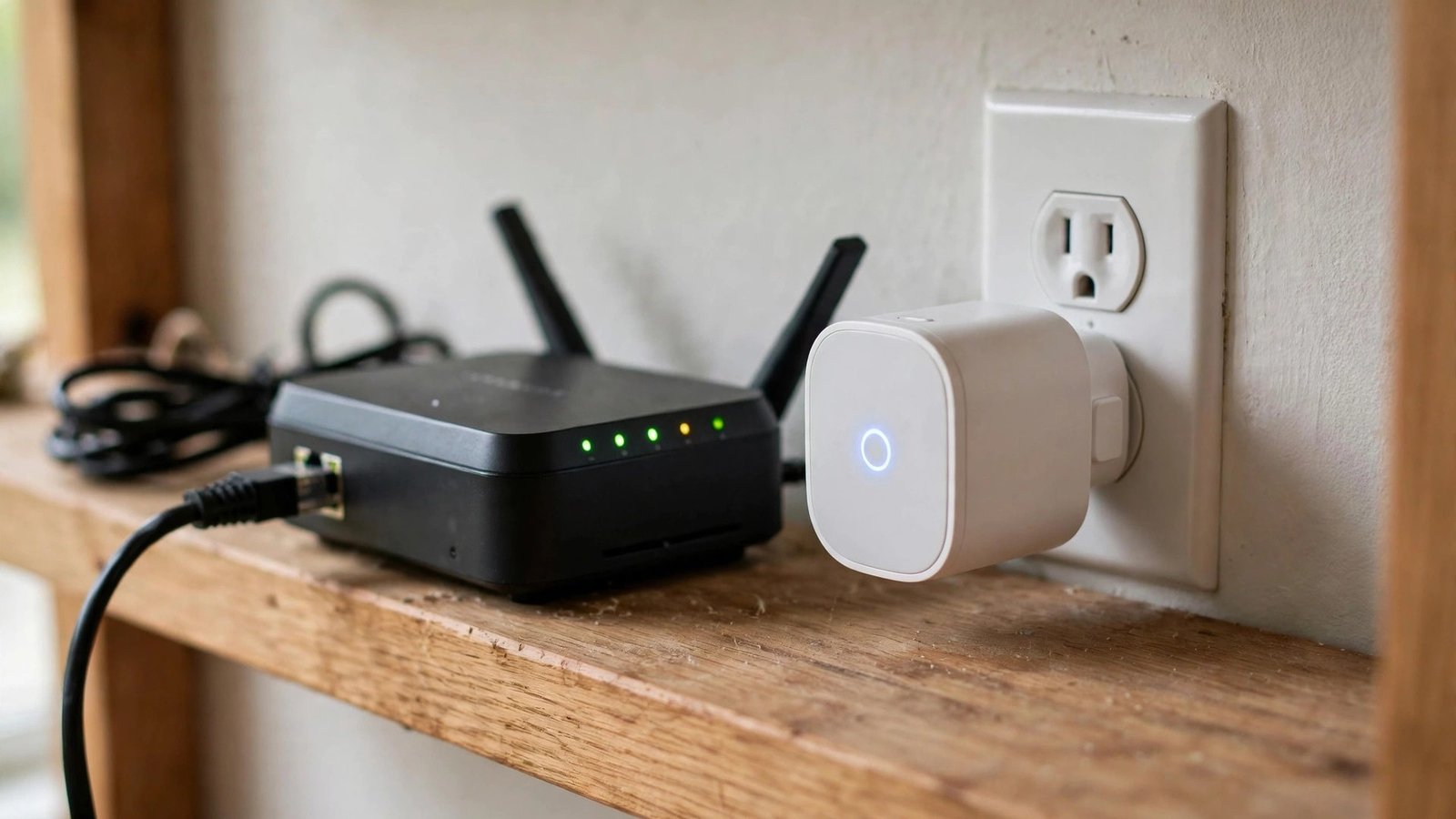
A locally controlled device talks on your home network instead: phone or hub → device, directly. Home Assistant, Hubitat, and similar hubs are built around this idea, and ESPHome devices are designed for it from the start. Local control does not mean “no internet ever” — you may still want remote access — but it means the basics keep working when the internet does not, and no company can silently change what your switch does.
That distinction matters more in 2026 than it did a few years ago, because the market has grown so large — industry analyses this year put the U.S. professional smart-home market alone in the tens of billions of dollars, with networking and lighting among the fastest-growing categories. More devices in a home means more exposure when any one vendor changes course.

What the two October updates teach
Lesson 1: Read the “breaking changes” before you update. ESPHome’s release notes flagged that lights with a saved initial state would now honour it at boot — meaning a light that used to stay off after a power cut might now switch on. That is a small, documented behaviour change, but it surprises people at 2 a.m. if they update blindly. The habit to build: skim the release notes, update one device first, and watch it for a day before updating the rest.
Lesson 2: Security fixes can have side effects. The Kasa fix closed a real authentication flaw, which is good — unpatched devices are a genuine risk. But the side effect was that local control via Home Assistant stopped working until users enabled Third-Party Compatibility in the Kasa app. Users who updated and then found their automations dead were not imagining it, and the fix was a setting, not a replacement. The lesson is not “never update” — unpatched security flaws are worse — it is “update deliberately, and know where the compatibility settings live before you need them.”
Lesson 3: Check what you own before you buy more. If you already have Kasa devices, check whether your models are on the advisory list and whether Third-Party Compatibility is available in your app version. If you are shopping, look for the words “local API,” “works with Home Assistant,” or “no cloud required” in the product’s integration documentation — not just “works with Alexa,” which usually means cloud.
A practical local-control checklist
- Inventory first: List every smart device, its app, and whether it works when your internet is off. Test it: unplug the modem for five minutes and try the lights. The results are often surprising.
- Prefer hubs over app sprawl: One hub that speaks to many brands beats ten separate apps, each with its own account and cloud.
- Update in stages: Update one device, wait a day, then roll out to the rest. Keep a note of which firmware version worked, so you can describe the problem if you need support.
- Keep a physical fallback: Smart switches should still work as dumb switches when pressed by hand. If a device is useless without its app, think twice before putting it on a bedroom light or a front-door lock.
- Secure the local network too: Local does not mean careless. Use a strong Wi-Fi password, keep your hub updated, and put internet-of-things gadgets on a separate network segment if your router supports it.
Does local control mean giving up convenience?
Not necessarily. A local hub can still offer voice control, schedules, and remote access — the difference is that the hub, not a distant server, is in charge of the basics. The trade-off is real, though: local setups take more initial effort than plugging in a single-brand starter kit, and some features (like certain cameras’ cloud clip history) genuinely need a vendor service. A sensible middle ground for most homes is hybrid: local control for lights, switches, sensors, and locks — the things you touch daily — and cloud services only where they add something local control cannot.
Bottom line
The October updates did not break the smart home; they clarified it. ESPHome’s release showed how fast local firmware is evolving, and the Kasa fix showed why reading the fine print matters even for security patches. If you take one step this weekend, make it the modem test: find out which of your devices truly work in your own home, on your own network, without asking a server for permission. The ones that do are the foundation worth building on.