Every fall, the same small annoyance shows up in smart homes: the lights come on an hour late, the thermostat runs its morning warm-up at the wrong time, and the porch light sits dark when you get home. It is not a broken device. It is the clock change, and this year it lands on Sunday, November 1, 2026, when daylight saving time ends at 2 a.m. local time and clocks fall back one hour to 1 a.m.
Most of the country still makes this switch. Hawaii and most of Arizona stay on standard time year-round, and a few U.S. territories do the same, but everywhere else the change is still the law. Congress debated ending the twice-yearly switch again this year — the House passed a bill in July that would make daylight saving time permanent — but it has stalled in the Senate, so the November 1 fallback stands. That means a little preparation now saves a week of wondering why your home feels out of sync.
Why smart homes feel the clock change more than old homes
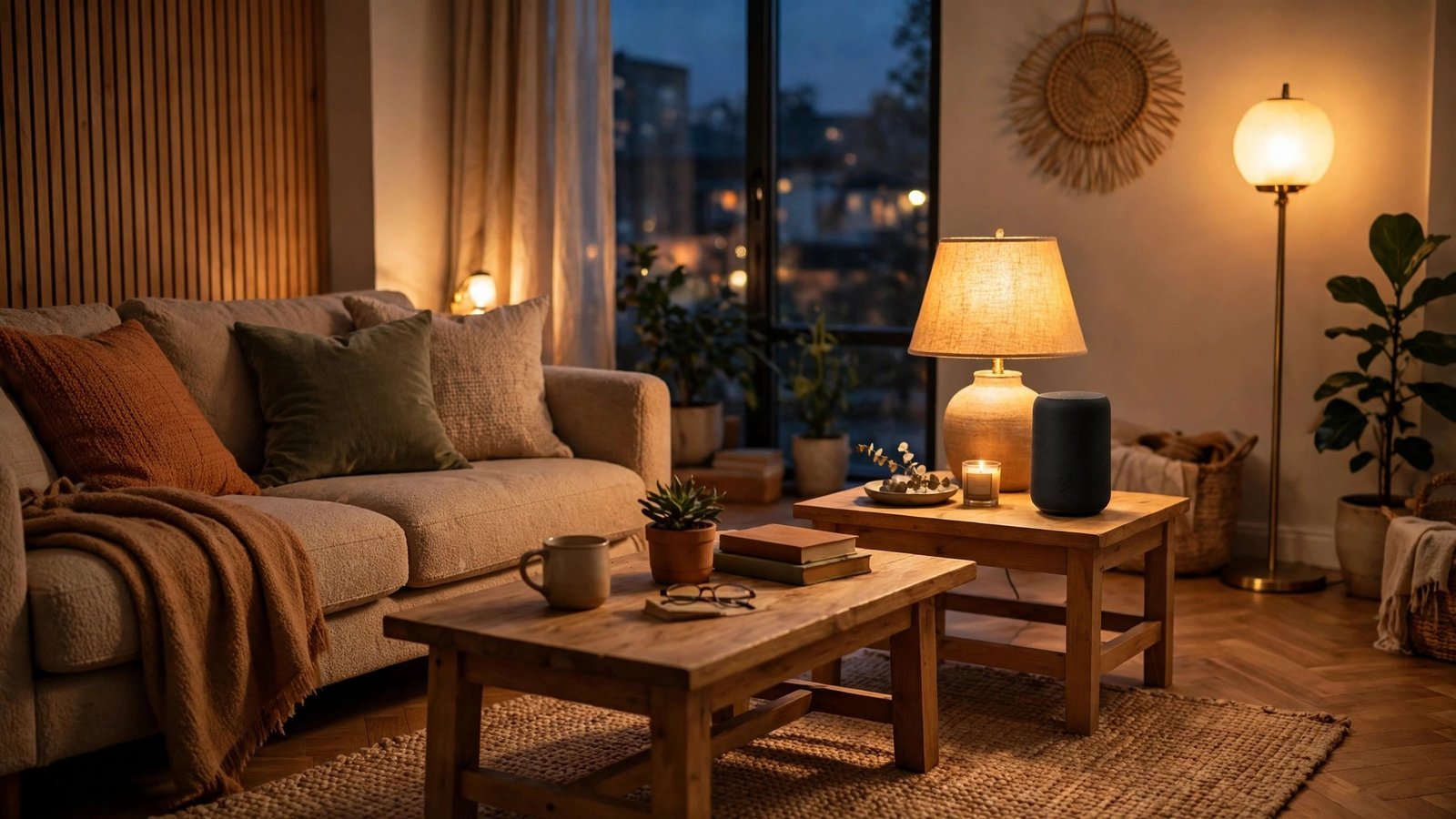
A traditional lamp timer has one job and one clock, and you notice it immediately when it is wrong. A smart home has dozens of clocks: the hub, the thermostat, each bulb app, the camera system, the lock, the robot vacuum schedule, and the voice assistant routines that tie them together. Most of them sync to the internet and adjust themselves. The trouble comes from the ones that do not — or from routines built around a fixed clock time rather than sunrise and sunset.
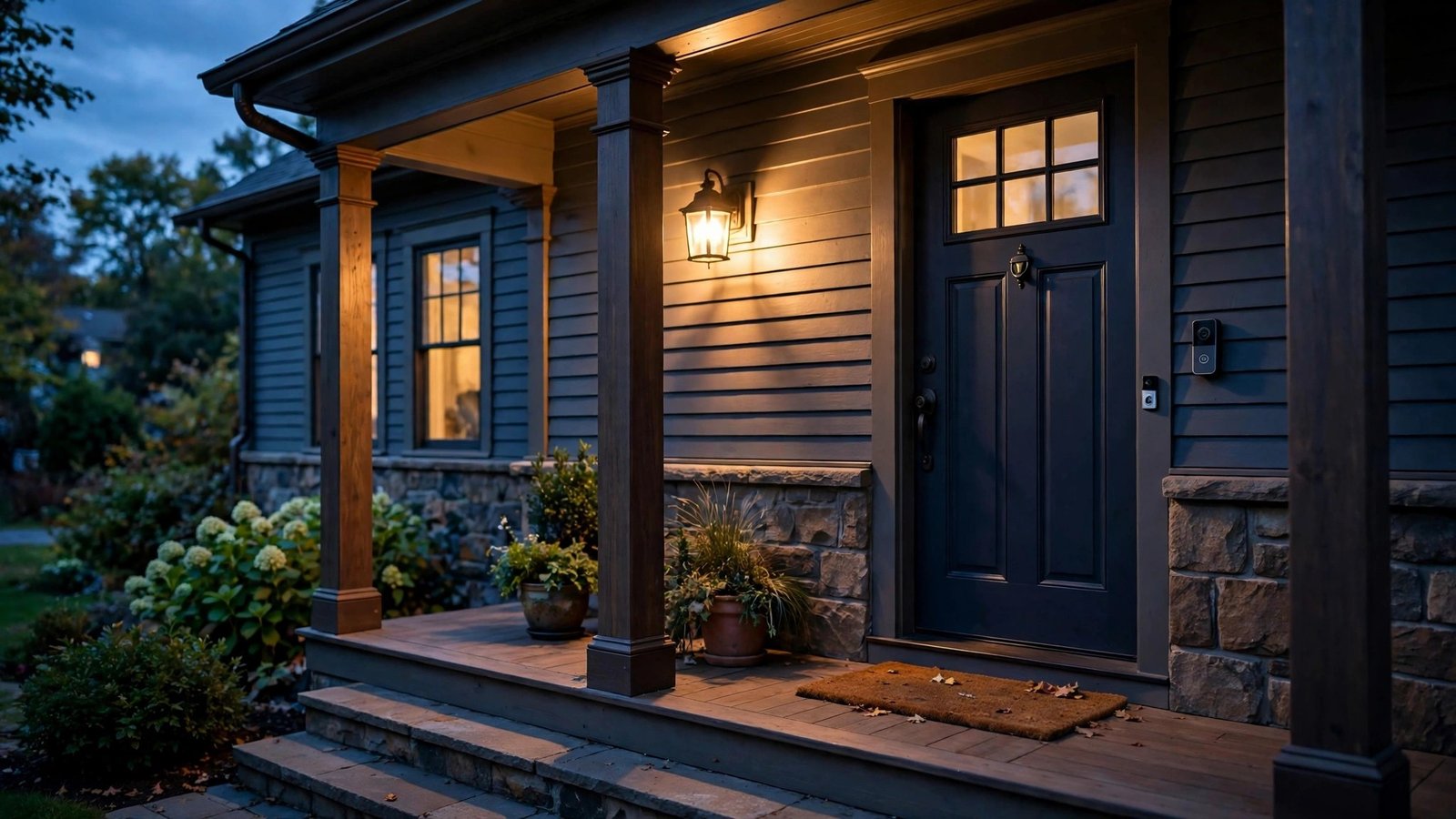
The classic example is a routine that says “turn the porch light on at 6:30 p.m.” Before the change, 6:30 p.m. is just after sunset in late October. After the change, sunset comes an hour earlier by the clock, so that same routine leaves you walking up a dark path for a week until you notice. The same logic applies in the morning: a “wake-up” lighting scene at 6:30 a.m. suddenly fires when it is still fully dark outside, or a thermostat schedule warms an empty house an hour before anyone is up.
Then there is the repeated hour itself. Between 1 a.m. and 2 a.m. on November 1, the clock runs through 1 a.m. twice. Most devices handle this fine, but automations scheduled inside that window — a nightly lock check, a camera recording rule, a laundry reminder — can fire twice or skip. It is rare, but it is the single most common cause of “my routine ran twice on Sunday” complaints each fall.
The one-hour problem, device by device
Start with lighting, because it is the most visible. Go through any routine tied to a fixed time and ask whether it should really be tied to sunset or sunrise instead. Sunset-based routines adjust themselves all year and survive clock changes untouched. If your system supports it, switching evening routines to “30 minutes after sunset” and morning routines to “sunrise” is the single best fix you can make, and it pays off again in spring.
Thermostats deserve a second look for a different reason: comfort and cost. A heating schedule that warms the house for a 7 a.m. wake-up will, after the change, effectively start warming it for 6 a.m. by your body’s clock. That is an hour of heat you may not need, repeated every morning until you catch it. Check the schedule on the thermostat itself, not just in the app — some systems keep a separate on-device schedule that does not update when the app does.
Locks and cameras are about safety, not comfort. A door that auto-locks at 10 p.m. is fine either way, but camera motion alerts, recording schedules and “away” modes tied to clock times can shift against your real routine. If your cameras record on a schedule rather than continuously, verify the schedule after the change, and check that the timestamps on recorded clips match real time. A clip stamped an hour off is confusing when you are trying to figure out when a delivery actually arrived.
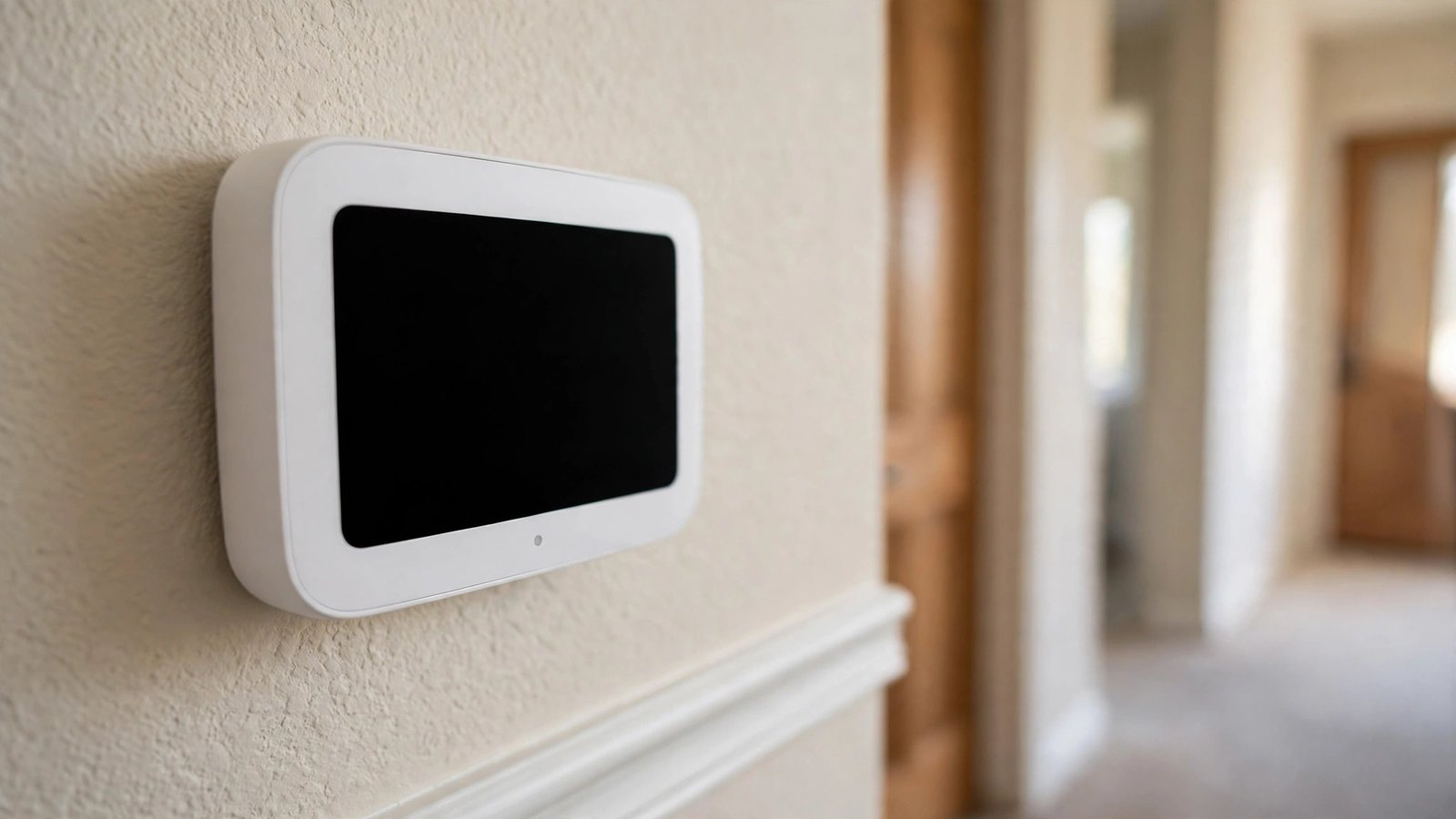
Finally, check the devices people forget: the robot vacuum, the smart plug on the coffee maker, the irrigation controller, and any old plug-in timer still running a holiday light or a fish tank light. Battery-powered clocks and wall displays also need a manual change, and a smart display that shows the wrong time usually means its time zone setting — not the device — is wrong.
Your fall-back checklist (do it Saturday, not Sunday)
Do this on Saturday, October 31, so Sunday morning just works:
- Confirm your hub and voice assistant time zone is set to your actual location, not a neighboring zone.
- Switch evening lighting routines from fixed times to sunset-based triggers where possible.
- Review thermostat schedules for both weekday and weekend, on the device itself.
- Move any automation scheduled between 1 a.m. and 2 a.m. to a different hour for that weekend.
- Check camera and lock schedules and confirm clip timestamps after the change.
- Manually set any battery clock, wall clock, microwave clock and car clock that does not sync.
- Re-check everything on Monday morning — the first full day on standard time is when a missed routine shows up.
One more tip: if your household has kids or early risers, use the extra hour deliberately. A wake-up light that brightens gradually is much kinder on dark November mornings than a bedroom lamp snapping on, and it is a good excuse to finally set that sunrise routine you have been meaning to try.
Common mistakes to avoid
The biggest mistake is assuming everything updated itself. Most devices do, but the ones that matter — the thermostat schedule, the porch light routine, the camera recording window — are exactly the ones that sometimes keep their old time. The second mistake is fixing the app but not the device, or vice versa. When a schedule lives in two places, check both. The third is ignoring the spring change in advance: if you switch routines to sunrise and sunset now, you will not have to do this job again in March, when clocks spring forward on March 14, 2027.
FAQ
Do I need to change my smart bulbs one by one? No. Bulbs follow the hub or app they belong to. Fix the routine or schedule, not each bulb, and check one bulb’s behavior that evening to confirm.
Will my thermostat update itself? Usually yes for the clock, but not always for the schedule. A schedule is a set of instructions (“heat to this temperature at this time”), and the device may keep running it exactly as written. Verify it on the thermostat itself.
What about states that do not observe daylight saving time? If you live in Hawaii or most of Arizona, nothing changes on November 1. But if your smart home account or hub is set to a different time zone, your schedules can still shift — check the time zone setting either way.
Is this the last clock change? Not under current law. Bills to end the switch have passed the House but not the Senate, so plan on another change in March 2027.
The bottom line
The November 1 clock change is small, but in a smart home it touches everything at once. Spend twenty minutes on Saturday checking routines, thermostat schedules and camera times, switch what you can to sunrise and sunset triggers, and your home will feel normal on Sunday morning instead of slightly, mysteriously off. The extra hour of sleep is a bonus — just make sure your house gets it too.
Leave a Reply